iOS App

Snap. Almost done.

TankLens is a free iPhone app that reads the pump display from a photo, checks that the numbers add up, and saves the fill-up.

See how it works Coming soon to the App Store

One fill-up, four seconds.

  1. Take a photo of the display

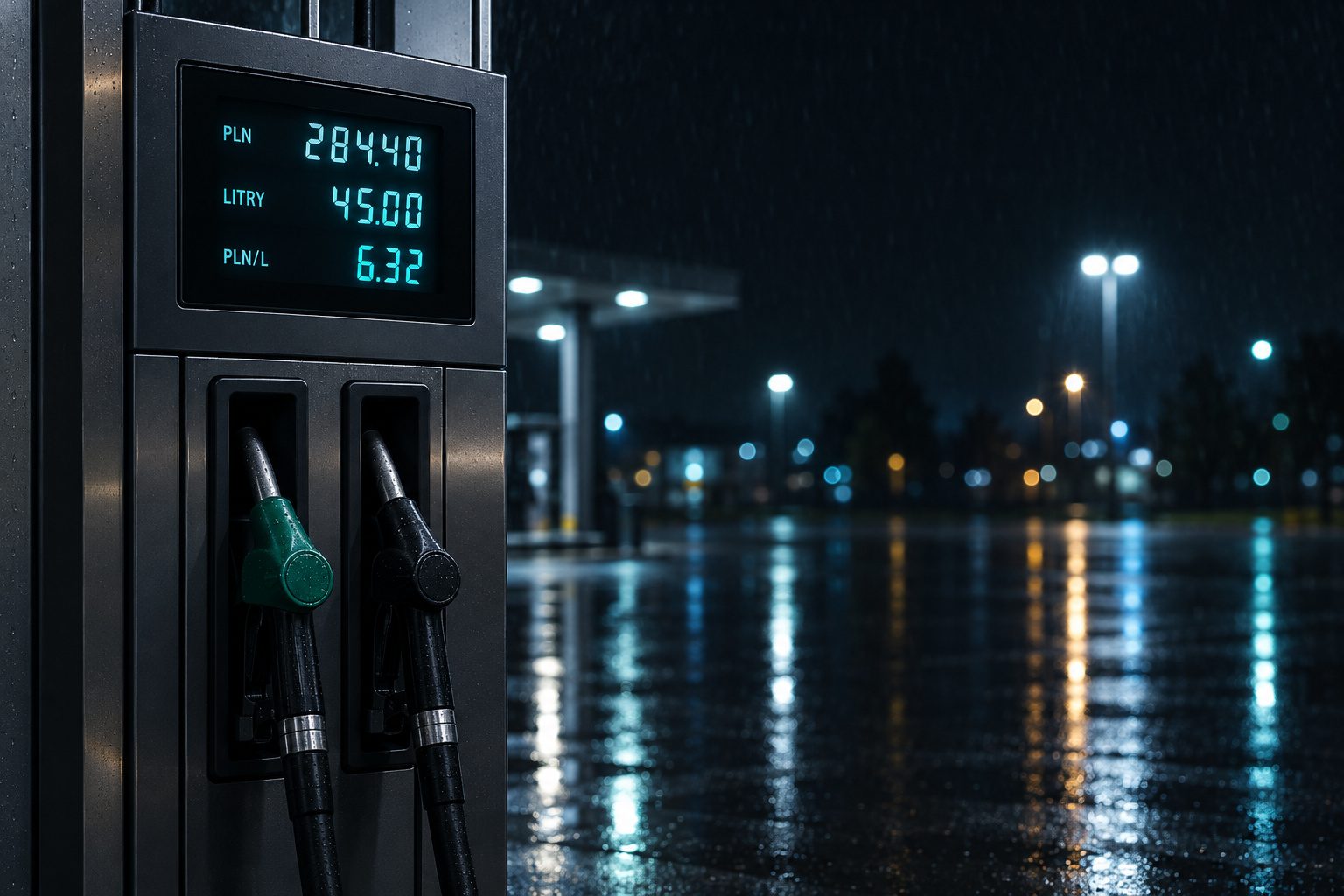
    Amount, liters and price per liter in one frame. No pixel-perfect framing needed — the guide is a hint, not a requirement.

  2. Your iPhone reads the numbers

    Recognition happens on the device; the photo isn’t sent anywhere. If the display is hard to read, we’ll ask whether to use AI analysis.

  3. We check the math

    Liters times price per liter, compared with the amount. It adds up — the fields are filled in. It doesn’t — we show you what to check.

  4. You confirm, we save

    Nothing goes into your history without your tap. We suggest the odometer reading from your previous entries.
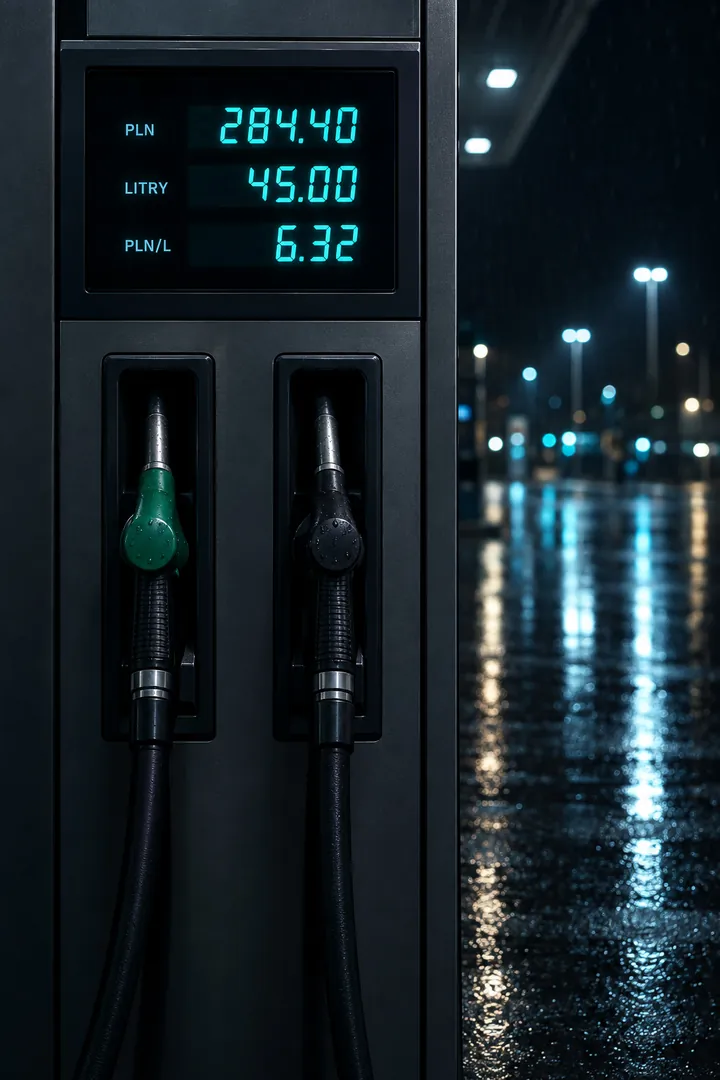
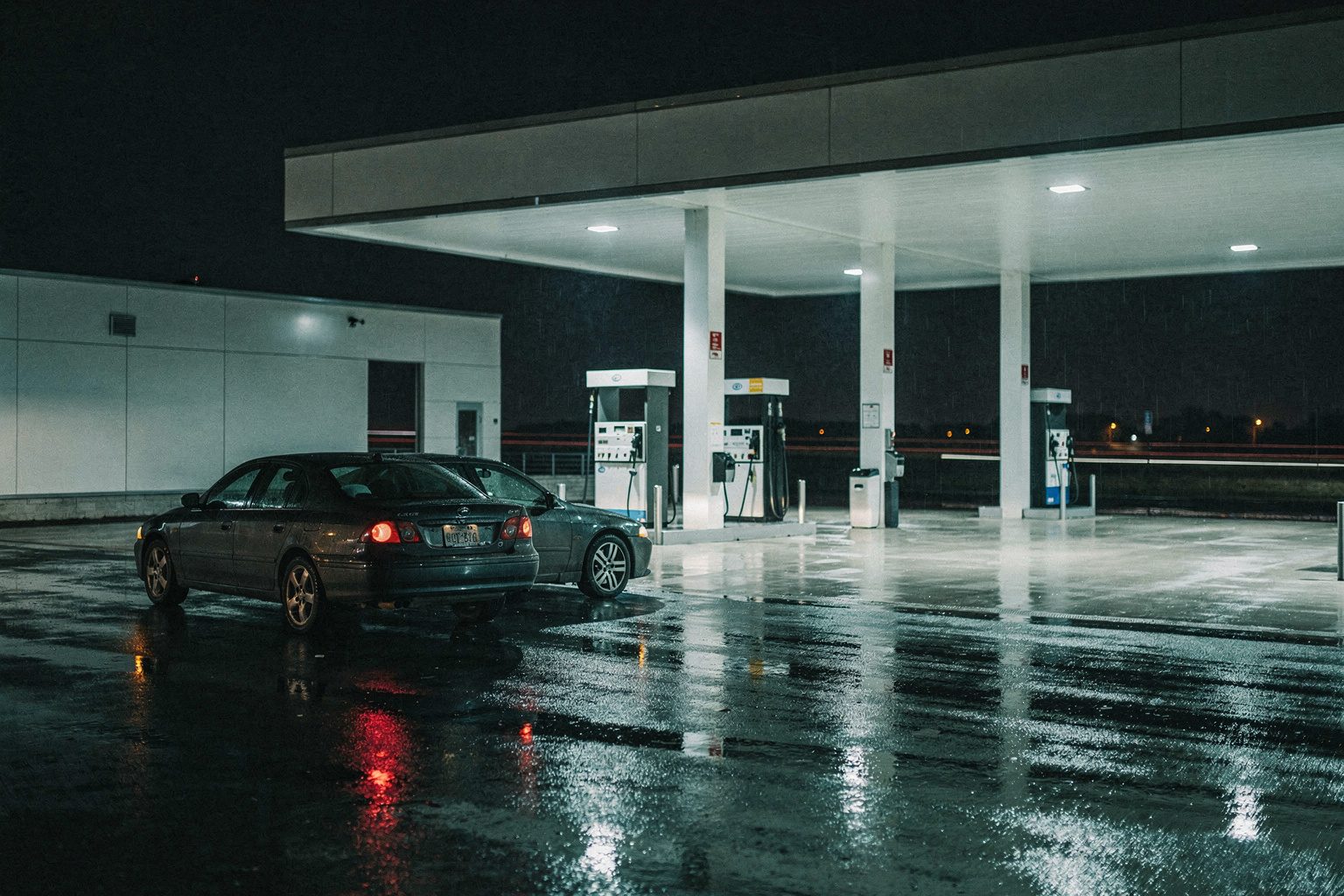
At the pump, one thing matters: speed. The rest we can work out at home.

Scanning the pump display is table stakes. The difference is what happens next.

Reliable

We don’t trust a model’s “confidence” — we trust arithmetic. A reading is accepted only when liters × price = amount. When in doubt, the field is flagged, and manual entry is always one tap away.

Native

Built in SwiftUI for iOS 26: Liquid Glass, Dynamic Type, VoiceOver, system charts, iCloud sync. It looks and behaves like part of your iPhone, not a web page in a frame.

Private

No account, no ads, no tracking. Photos are read on the device by default; the cloud only with your consent and without keeping a copy. Your data lives in your iCloud.

Everything about your car. In numbers that add up.

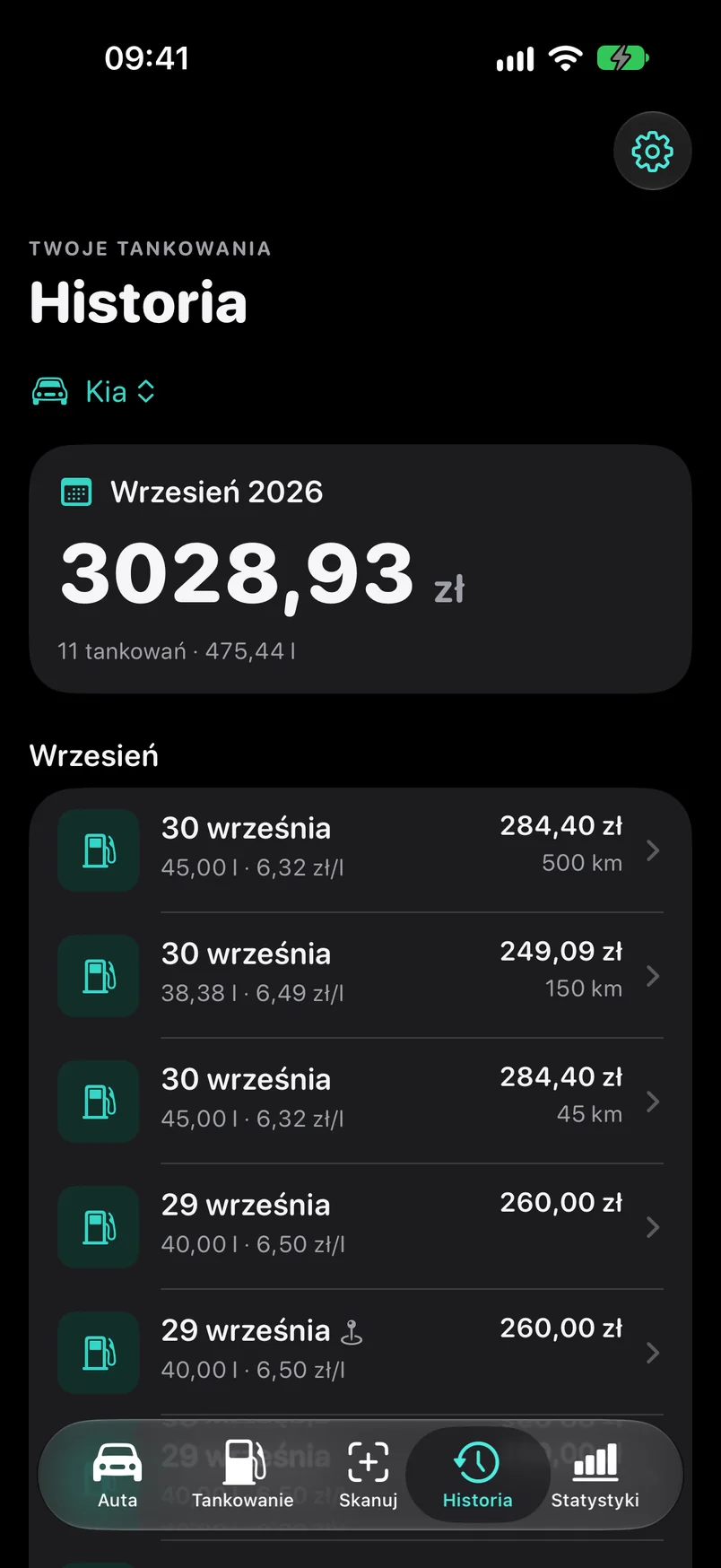
A history that doesn’t get lost

Every fill-up with amount, liters, price and odometer. The month’s total on top, details one tap away — with the station on a map if you allowed location.

A history that doesn’t get lost

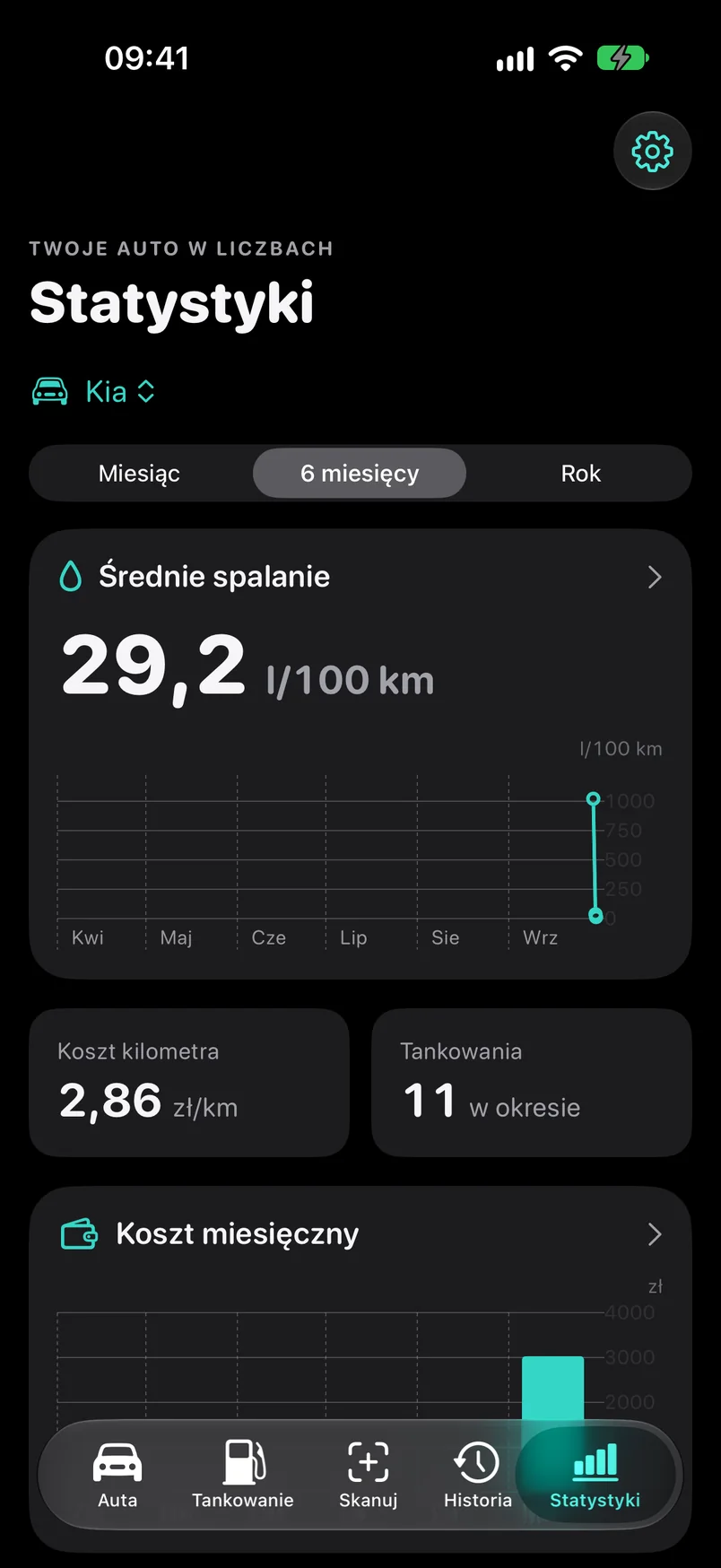
Consumption calculated honestly

Average consumption is calculated between consecutive full-tank fill-ups with an odometer reading — no guessing. Plus cost per kilometer and monthly cost on charts you understand at a glance.

Consumption calculated honestly

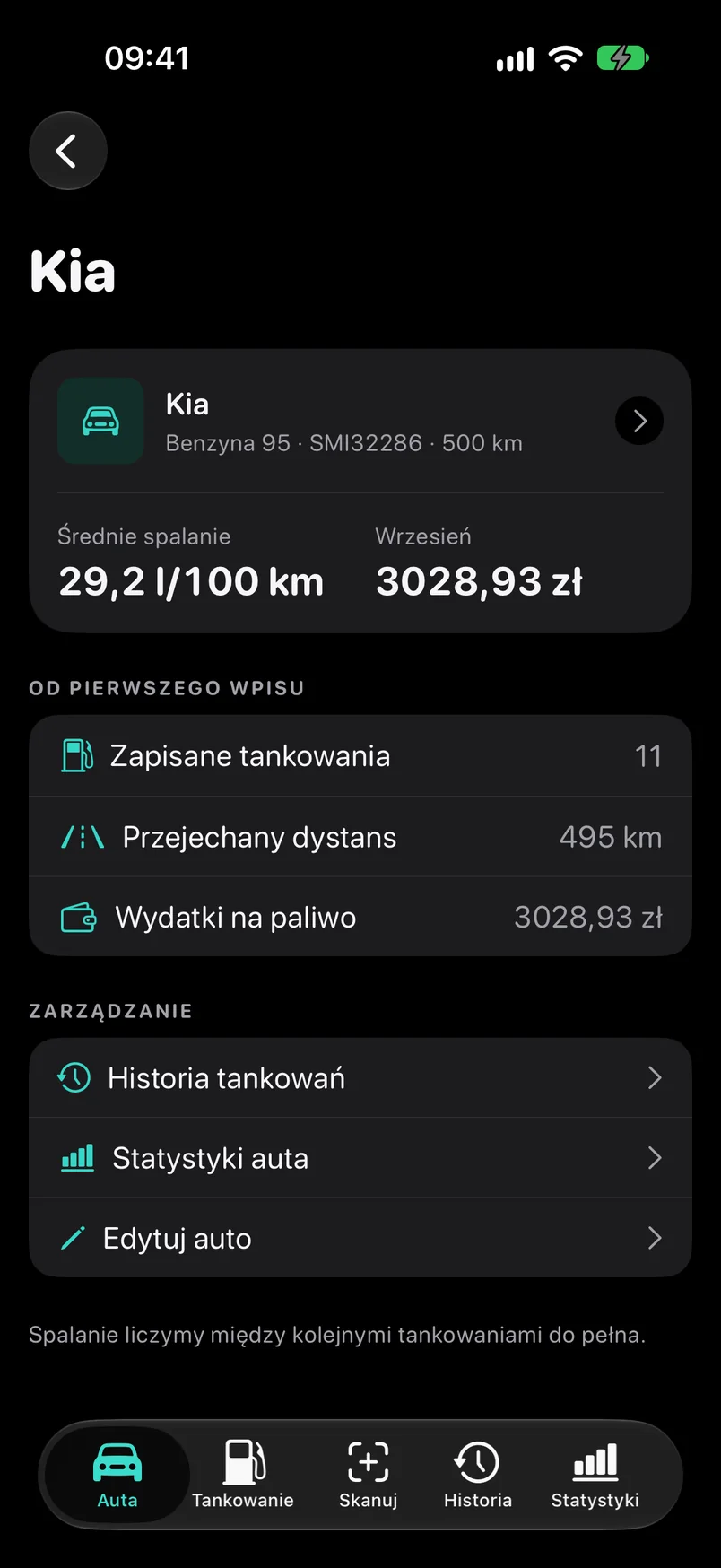
Two cars, one log

Up to two cars in one log. Each car gets its own dashboard: last fill-up, average consumption, spending since the first entry. Petrol, diesel, LPG — the fuel type is stored with the car.

Two cars, one log

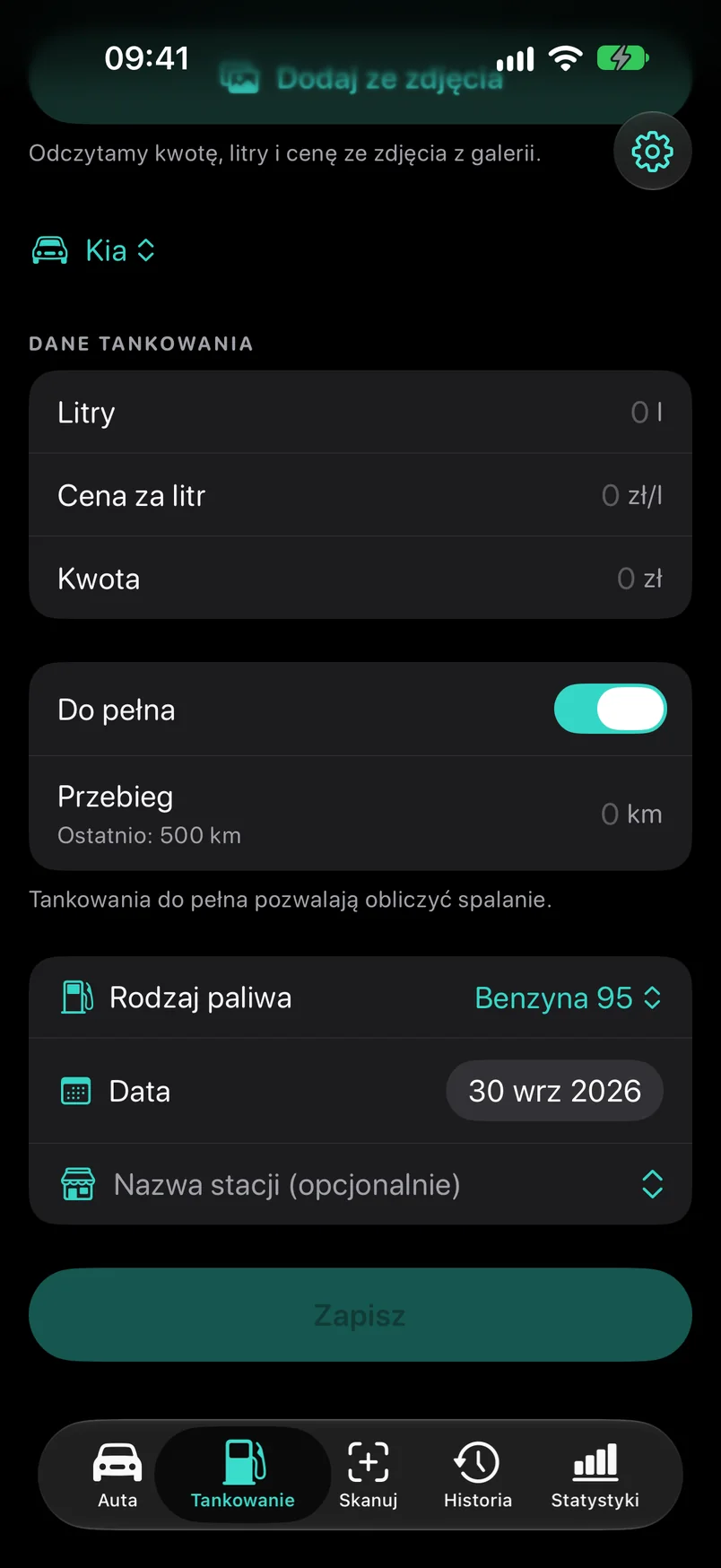
Manual entry counts too

Not every display can be photographed. Three fields, a date, a full-tank switch and a suggested odometer reading — or a photo from your library, read the same way as from the camera.

Manual entry counts too

Your data, your rules

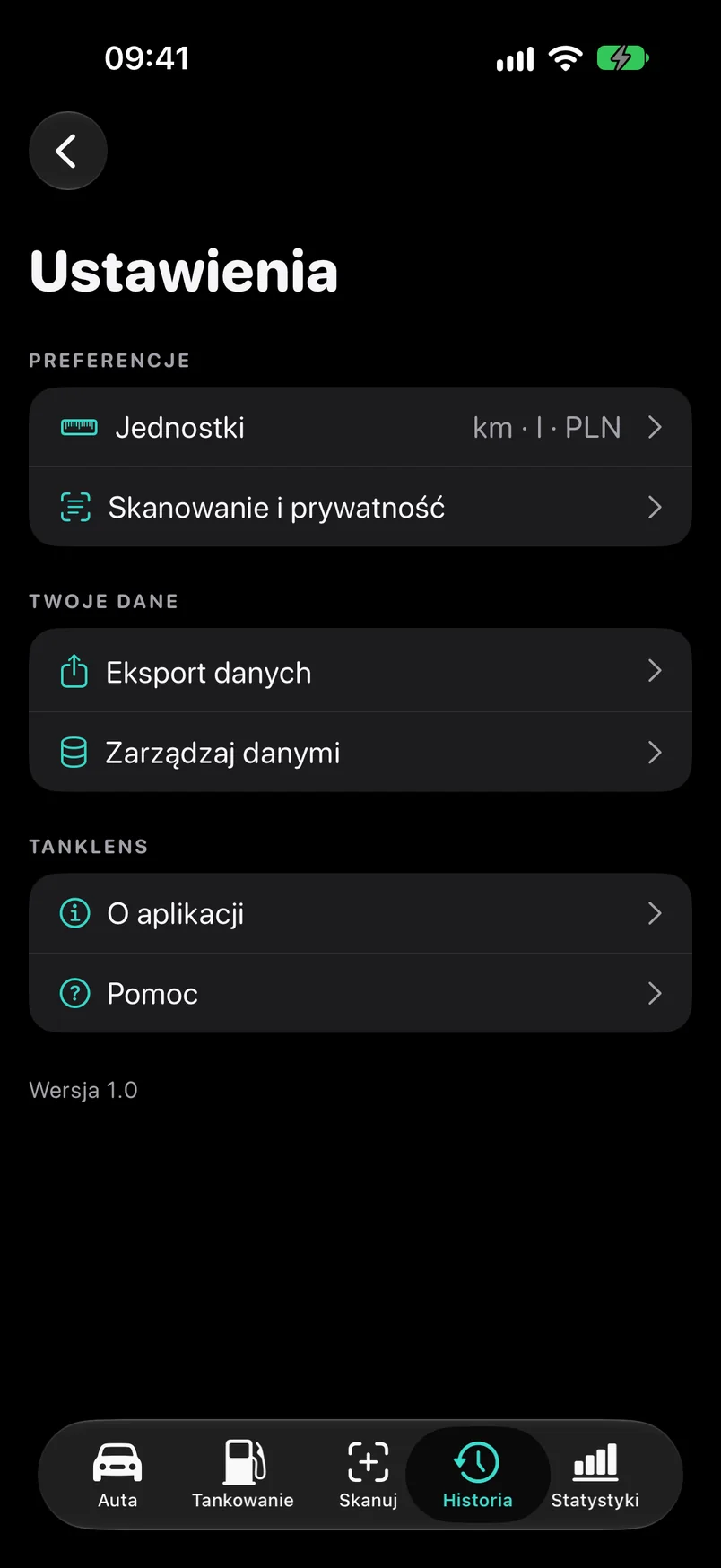
CSV export, photo management, units, an anonymous-statistics switch and a single button to delete everything. No hidden settings.

Your data, your rules

Your photos stay with you.

Privacy isn’t an add-on in TankLens — it’s the order in which recognition works.

  1. On the device first

    Every photo is read by your iPhone first. For most displays that’s where it ends — nothing leaves the phone.

  2. Cloud only with consent

    When the reading is uncertain, we ask whether to send the photo for AI analysis. Before sending, we strip EXIF data and location. Our server keeps no copy.

  3. Location once, never in the background

    If you allow access, we get it once — to show the station on a map and to suggest the currency. Never for tracking. If you don’t save the entry, it isn’t stored anywhere.

  4. No account, no ads

    You don’t sign up and you don’t give an e-mail address. Data syncs through your private iCloud, and you delete it with one button in Settings.

Read the full privacy policy

Questions and answers

Is TankLens free?

Yes. The app is free, with no ads and no account. Two limits apply: up to two cars and 15 cloud AI analyses per calendar month (shared across all cars). On-device photo recognition, history, statistics, iCloud sync and CSV export have no limits.

Which devices does it run on?

iPhone with iOS 26 or later. The App Store launch is coming soon — follow us on Instagram so you don’t miss it.

Is there an Android version?

No. TankLens is a native iPhone app and we’re not planning an Android version.

Do I have to take a photo?

No. Manual entry is a first-class path — three fields, a date, the odometer. You can also add a photo from your library, read the same way as from the camera.

What if the display is hard to read — color LCD, glare, dirt?

Your iPhone tries first. If the result fails the arithmetic check, we ask for consent to run cloud AI analysis. Its result goes through the same check. And if that fails too, you fill in the fields by hand, with suggestions from the recognized numbers.

Does the photo leave my phone?

By default, no. Only when you agree to AI analysis does the photo of the display — with EXIF data and location removed — go through our server to an AI service, solely to read the numbers. We don’t keep a copy. You can consent once per photo or turn it on permanently in Settings.

How is fuel consumption calculated?

Between two full-tank fill-ups with an odometer reading: liters filled in that stretch divided by kilometers driven. Until there are two such fill-ups we show “—”, not a made-up zero. Formula and worked example

Does it support LPG, diesel and several cars?

Yes. Each car has its fuel type stored, and the log can hold up to two cars, each with its own history and statistics.

Which currencies can I log fill-ups in?

Polish złoty (PLN) and euro (EUR). The currency is stored once, with the entry, and is never converted — TankLens uses no exchange rates. The default currency is your preference; the app can suggest it based on the country determined from your location — only if you have already granted it access. You can turn this off in Settings → Units → Currency.

Can I export my data?

Yes, to a CSV file from Settings — with a choice of range and car. Open it in Excel, Numbers or Google Sheets. You can also import a file exported from TankLens back (Settings → Import data); the file is read only locally on the device, and import respects the two-car limit.

Does data sync between my devices?

Yes, through your private iCloud database, if iCloud is turned on. We have no access to it.

Does the app collect usage statistics?

Only anonymous, aggregated statistics (for example which screens are used) via TelemetryDeck, with no data from your entries. You can turn it off with one switch in Settings.

How do I delete all my data?

Settings → Manage data → Delete all data. This removes cars, fill-ups and kept photos, including from iCloud and your other devices.

Coming soon to the App Store.

TankLens is on the home stretch before launch. Follow us on Instagram — that’s where we’ll announce the date first.

Coming soon · App Store Follow us on Instagram@tanklens_app